




Description
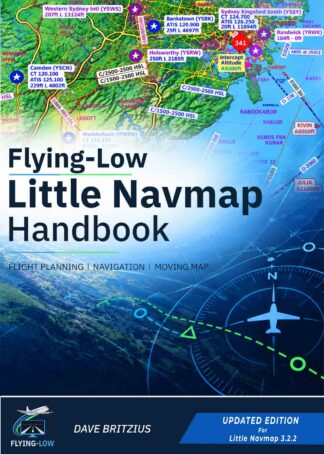
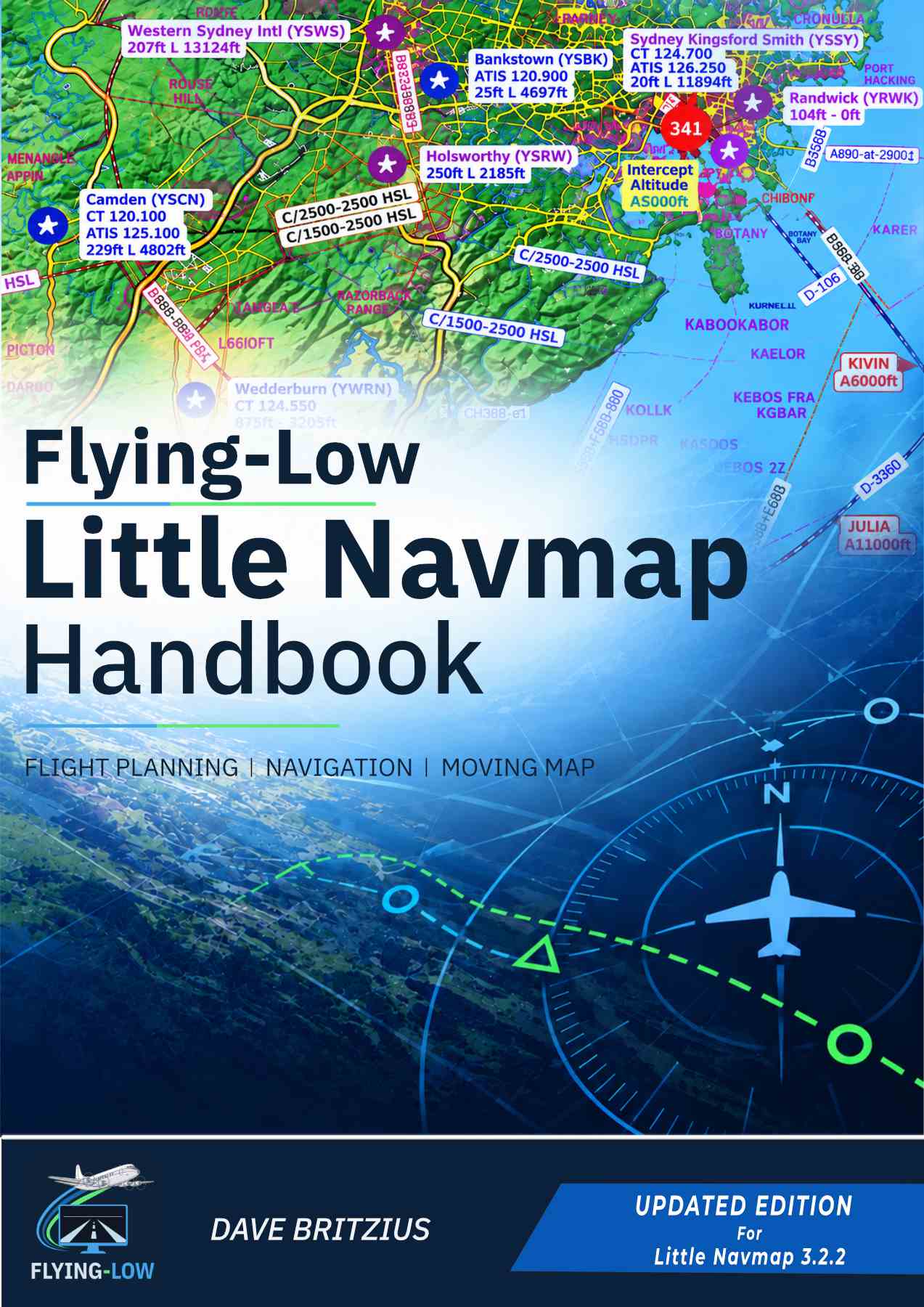
Master Your Flight Planning: The Illustrated Guide to Little Navmap – Version 1.2
Now updated for Little Navmap 3.2.3
Little Navmap is a masterpiece of simulation software, and it’s free. It can do far more than most simmers realise, but that professional-grade depth can feel overwhelming when you first open it. I wrote this handbook to turn that complexity into clarity.
I produced it with the express permission and approval of Alexander Barthel, the creator of Little Navmap, and it’s meant as a practical companion to his official manual. The official manual tells you what a button is. This book shows you why, when and how to use it, with your aeroplane on the stand and a flight to plan.
What’s new in Version 1.2
Alex has just released Little Navmap 3.2.3, and this update brings the handbook fully in line with it. Here’s what I’ve changed:
- A completely redesigned layout, with colours chosen to make the many map images stand out clearly
- Revised installation and setup instructions
- Updated instructions for installing elevation data
- Expanded flight-planning guidance
- Expanded practical explanations throughout
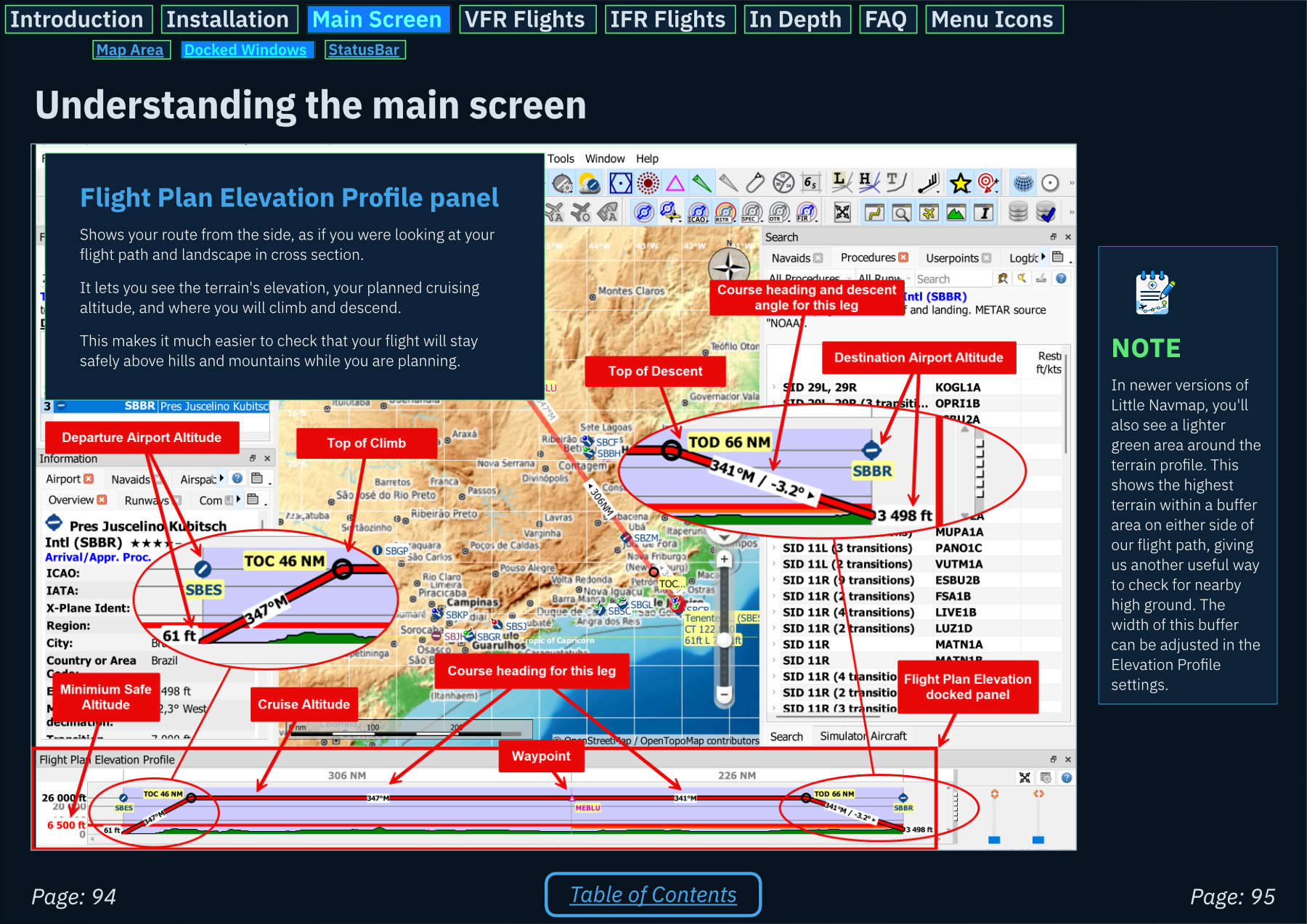
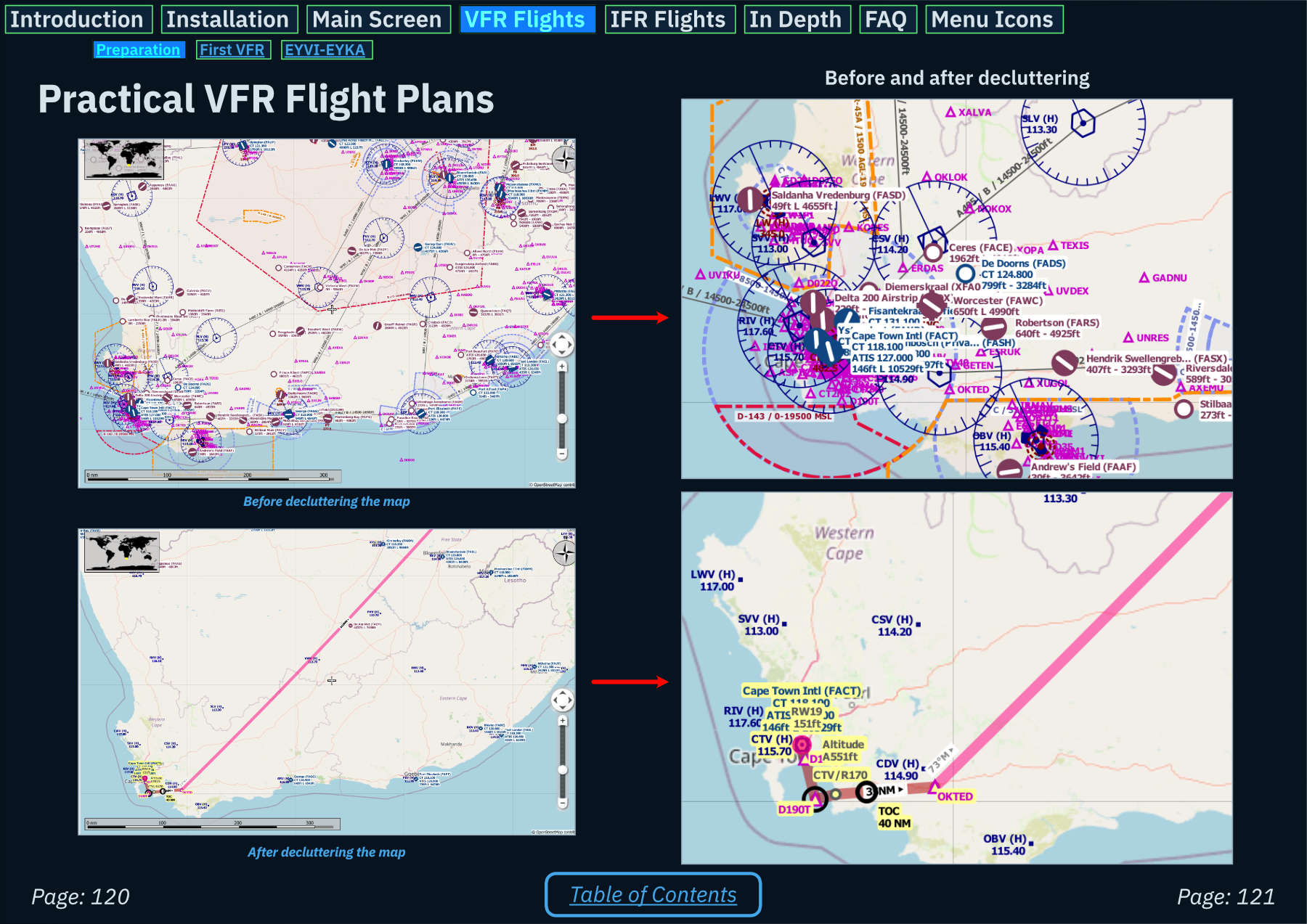
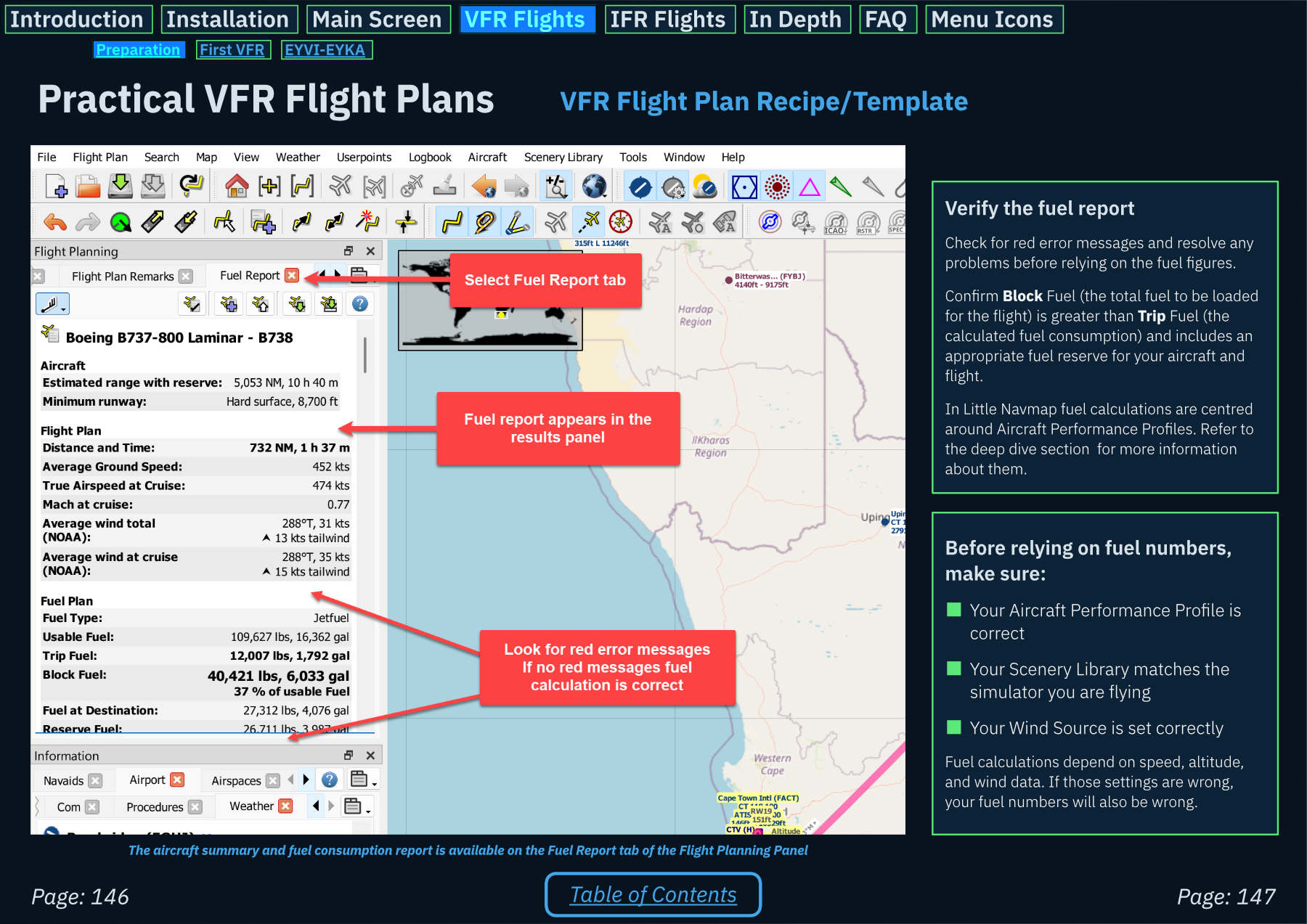
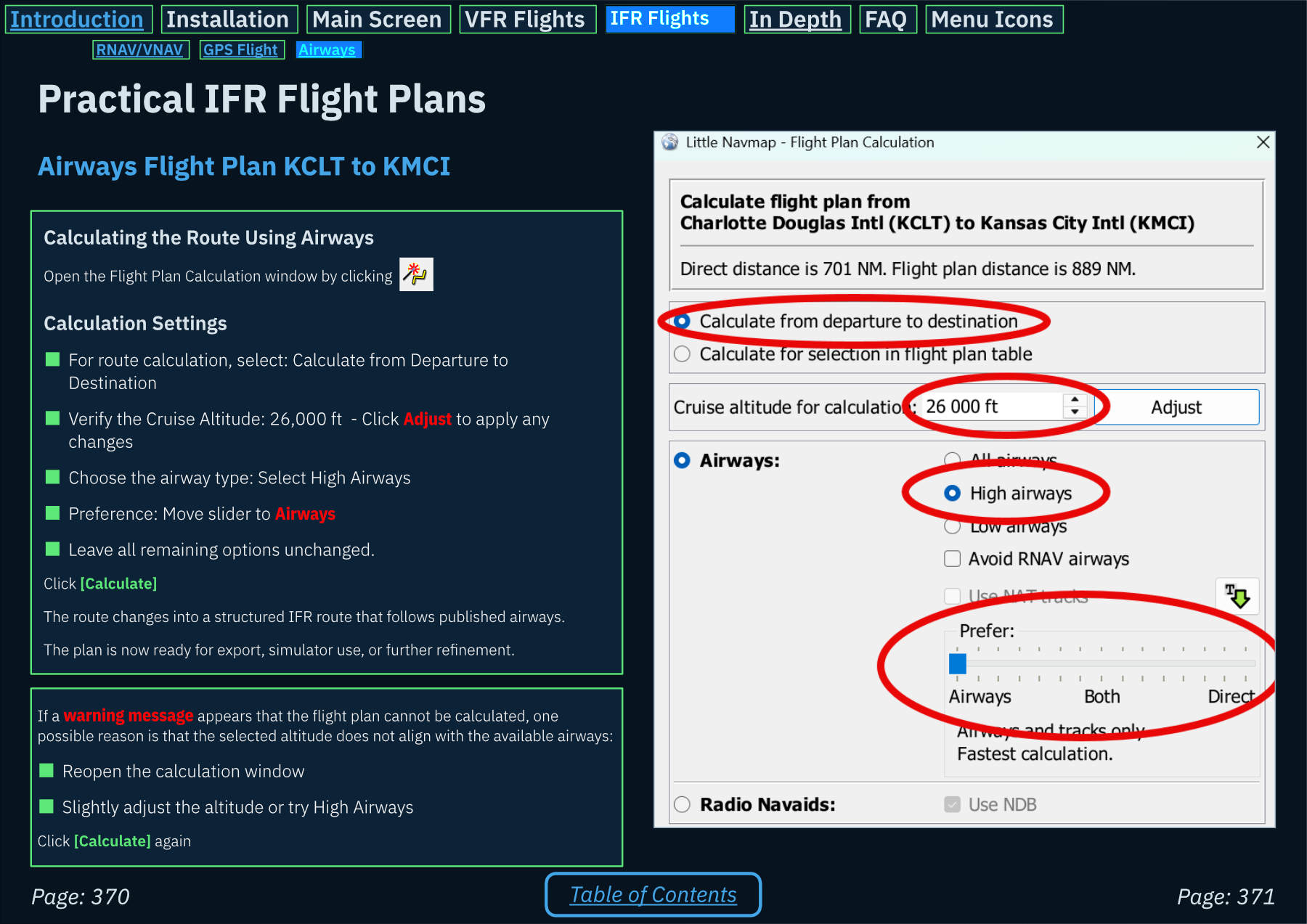
- Updated screenshots and illustrations to match the current version
The book has grown to 623 Pages (310 Double-Spreads). If you already own it, this update helps you adapt to Little Navmap 3.2.x. If you’re new to Little Navmap, I think you’ll find the book easier to follow than ever.
What’s inside?
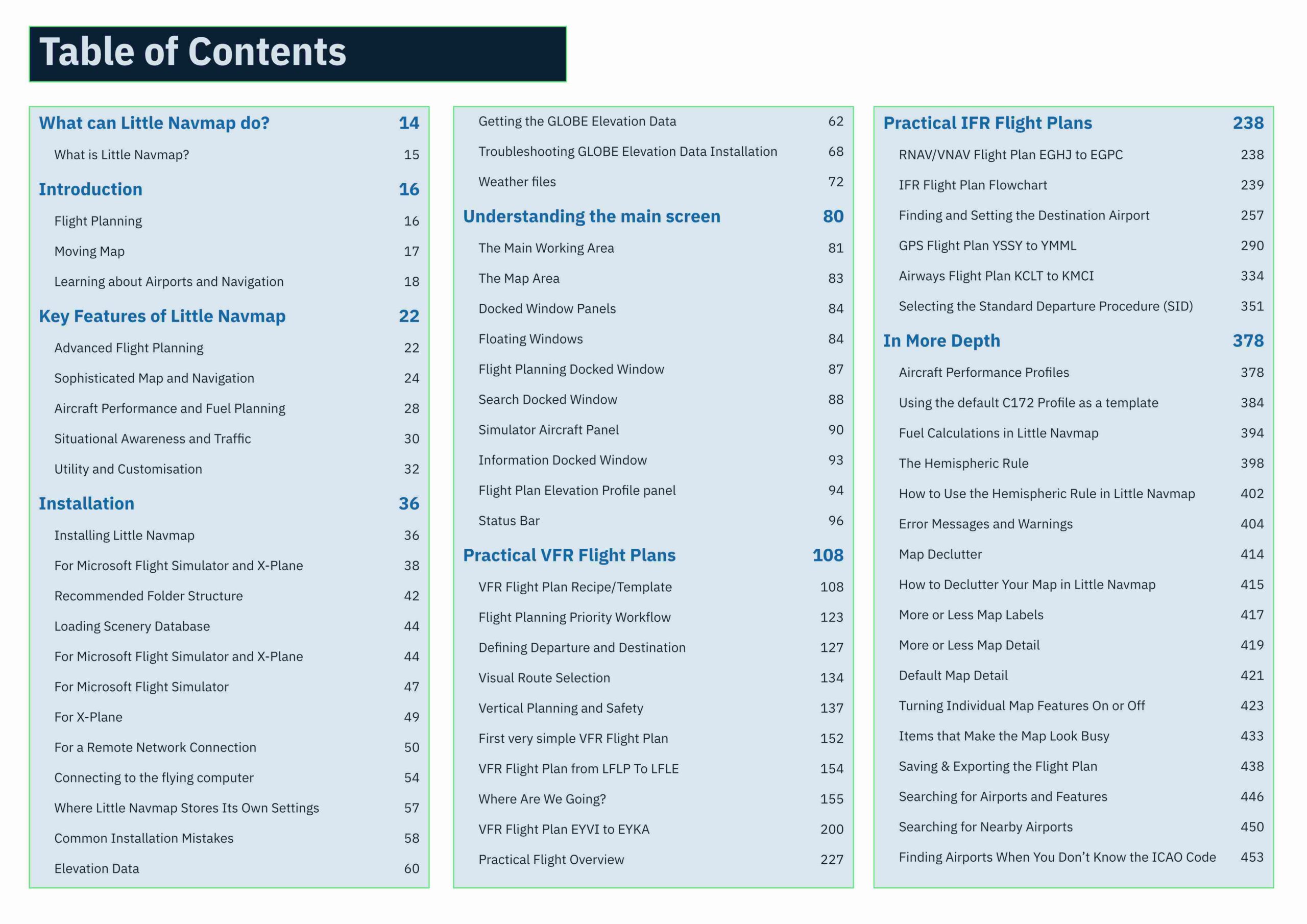
This isn’t a dry technical manual. It’s a visual walk through the software, with illustrations on nearly every page, so you never have to guess where to click or what a menu should look like. The chapters are:
- Installation: Get up and running properly, with your simulator data synced and your interface set up for the way you fly.
- Main Screen: Find your way around the map, the panels and the controls with confidence.
- VFR Flights: Plan and fly visual flights, step by step, from a blank map to a finished route.
- IFR Flights: Build professional-grade instrument flight plans using airways, procedures and waypoints.
- In Depth: Go further into fuel calculations, Top of Climb (TOC) and Top of Descent (TOD) logic, complex procedure handling, airways and waypoint calculation.
- FAQ: Answers to the questions simmers ask most often.
- Menu and Icon Reference: Every menu icon explained and grouped the way they appear in the program, so you always know what you’re looking at.
To lighten things up, I’ve also scattered a few amusing AI cartoons through the book.
Why this book?
I spent months of full-time work writing this handbook, and I’ve organised it so it grows with you. You might be a casual weekend pilot looking for a better way to navigate, or a hardcore simmer who wants precision on every leg of a world tour. Either way, the book gives you a structured, easy-to-follow path from basic installation to Little Navmap’s most sophisticated routing tools.
Stop hunting through menus and start flying with confidence.
Get Little Navmap
Little Navmap is free. You can download it here:
https://albar965.github.io/littlenavmap.html
Product Specifications
- Format: PDF Digital E-Book – (257MB)
- Length: 623 Pages (310 Double-Spreads)
Version History
Version 1.2 (November 24th 2026)
What’s new in Version 1.2
- Completely rewritten, with a new dark colour scheme that makes the hundreds of screenshots stand out clearly
- A more efficient page layout, so the images are larger and easier to read
- Chapter and sub-chapter headings on every page, so you always know where you are and can find your way around easily
- Page count has increased from 400 to 620 pages
- Revised installation and setup instructions
- Updated instructions for installing elevation data
- Expanded flight-planning guidance
- Expanded practical explanations throughout
- Updated screenshots and illustrations to match Little Navmap 3.2.3
Version 1.1 (March 24th 2026)
- Added a foreword written by Alex Barthel – the author of the Little Navmap program
Version 1.0 (March 23rd 2026)
- Initial Release