Description
I have written this handbook to help you set up correctly X-Plane 12 correctly and optimally.
This book is not a replacement for the official X-Plane 12 manual; but rather should be used in conjunction with it as a step-by-step guide to setting up X-Plane on a Windows PC. The handbook is a supplement to the official Laminar Research manual – primarily for Windows users although most of the book applies to MAC and LINUX versions as well. The emphasis is on setting up X-Plane 12 correctly right at the start. I have approached the reader with a Windows 11 operating system in mind. Most of the tips are equally valid for a Windows 10 system. While all the X-Plane 12 information applies to the Apple Mac user, the Hardware and O/S setup are obviously not applicable to MAC users – the X-Plane contents of the book, however, certainly apply to Mac-based machines.
The book also includes many clarifications, tips and answers to many questions and problems that customers have approached me with over the past few years of offering X-Plane 11 assistance.
The PDF E-Book is 439 pages (220 double spreads) in length
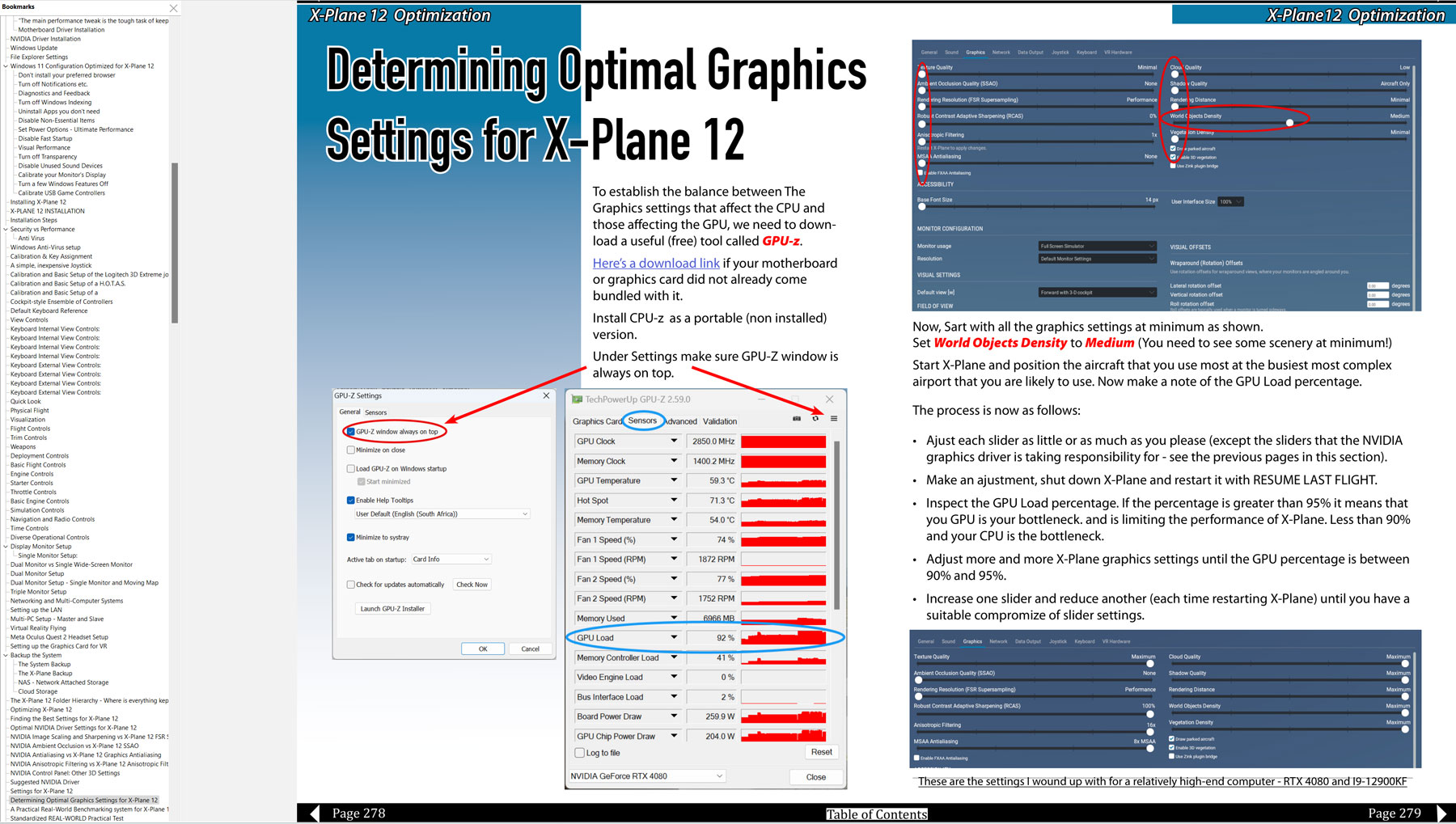
High-Quality Digital PDF format optimized for reading on a PC with a bookmark/index
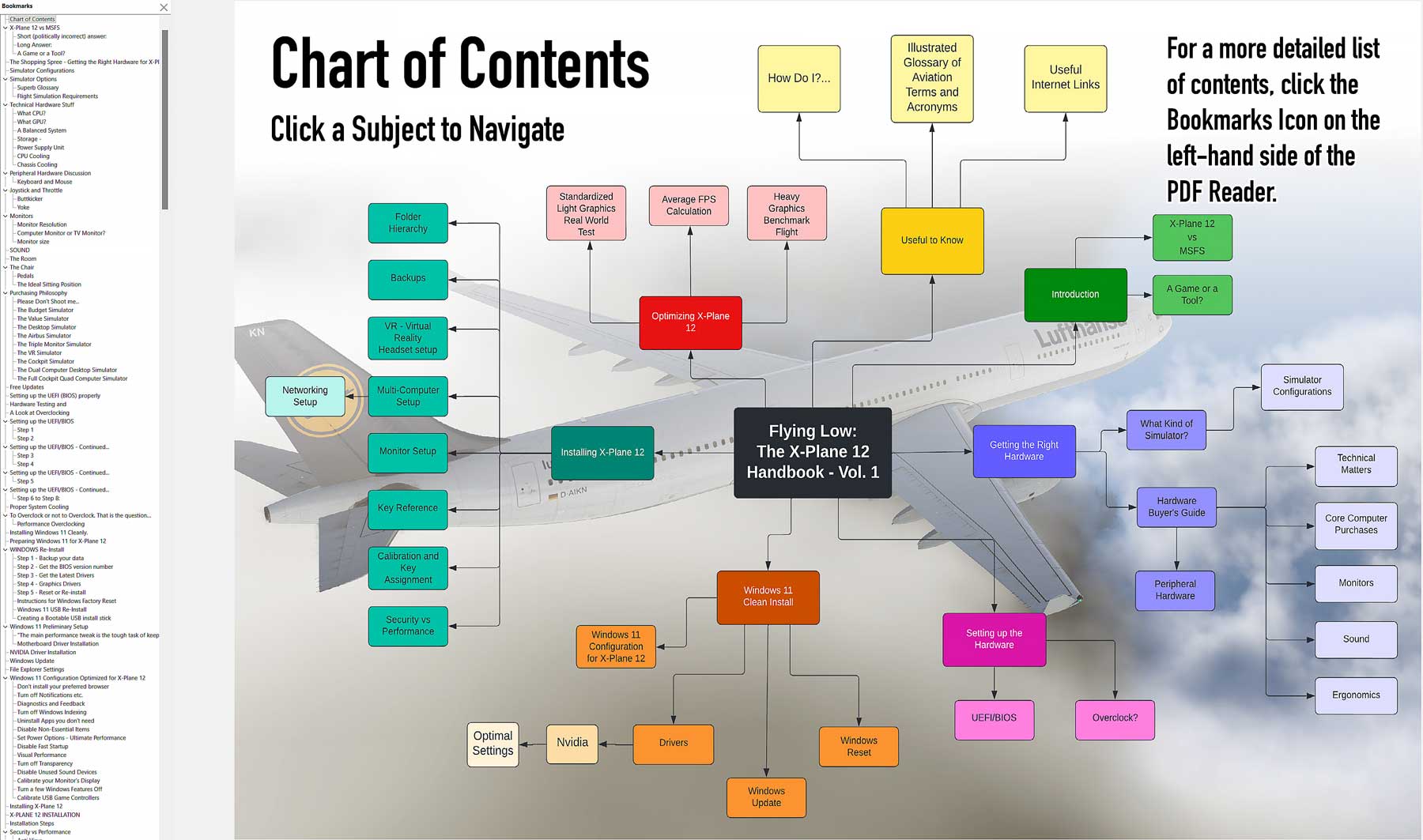
Dynamic Index and Table of Contents
How to Set up X-Plane 12 the right way
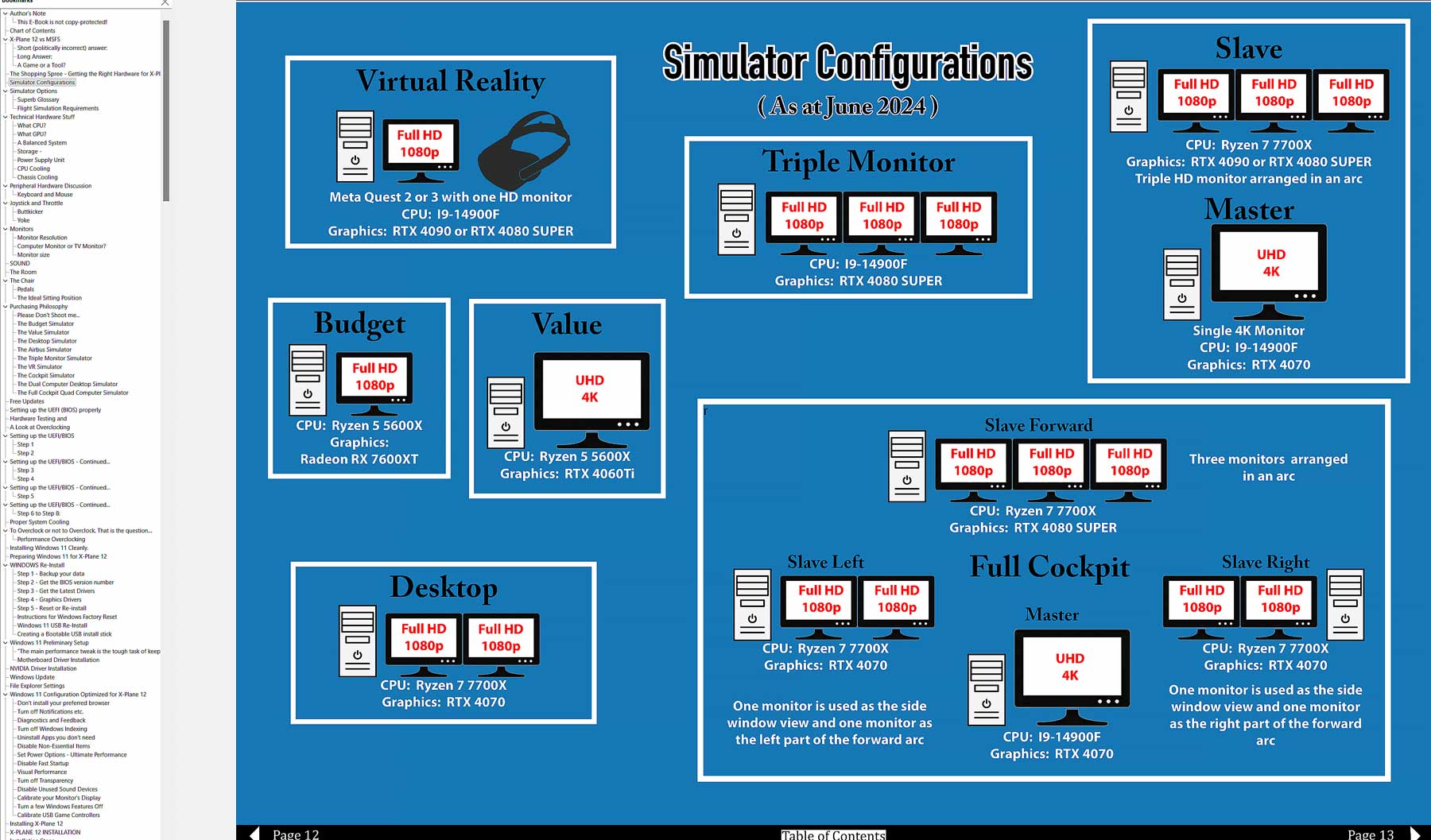
How to choose the Hardware you need – Actual price examples as at November 2022
The proper hardware for X-Plane 12
How to Optimize that Hardware
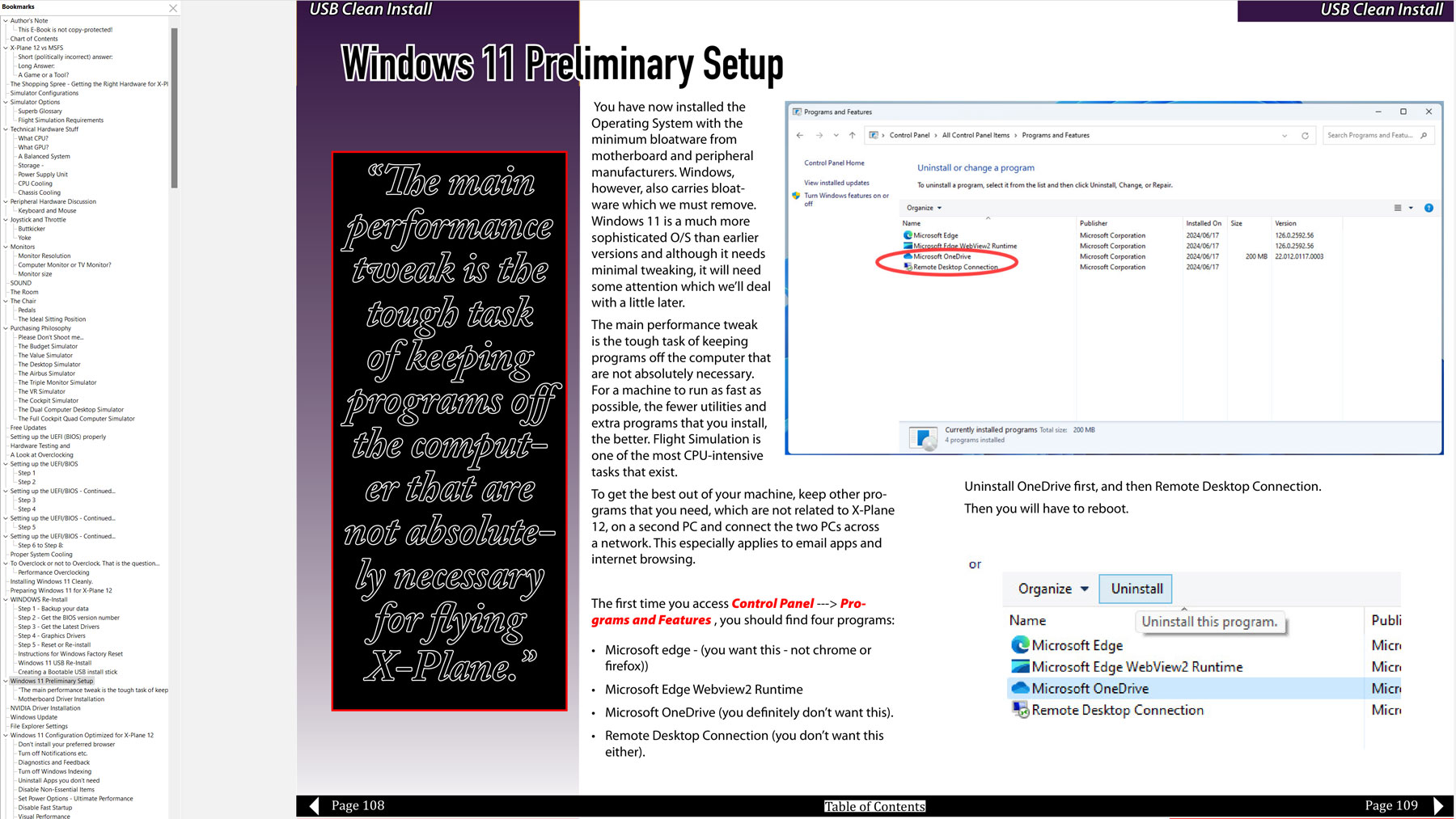
How to Optimize Windows 11 for X-Plane 12
Contains an interactive slide show showing how to Reset Windows and set it up correctly for X-Plane 12
Windows Performance guide – tips and suggestions
Nvidia Driver setup for X-Plane 12
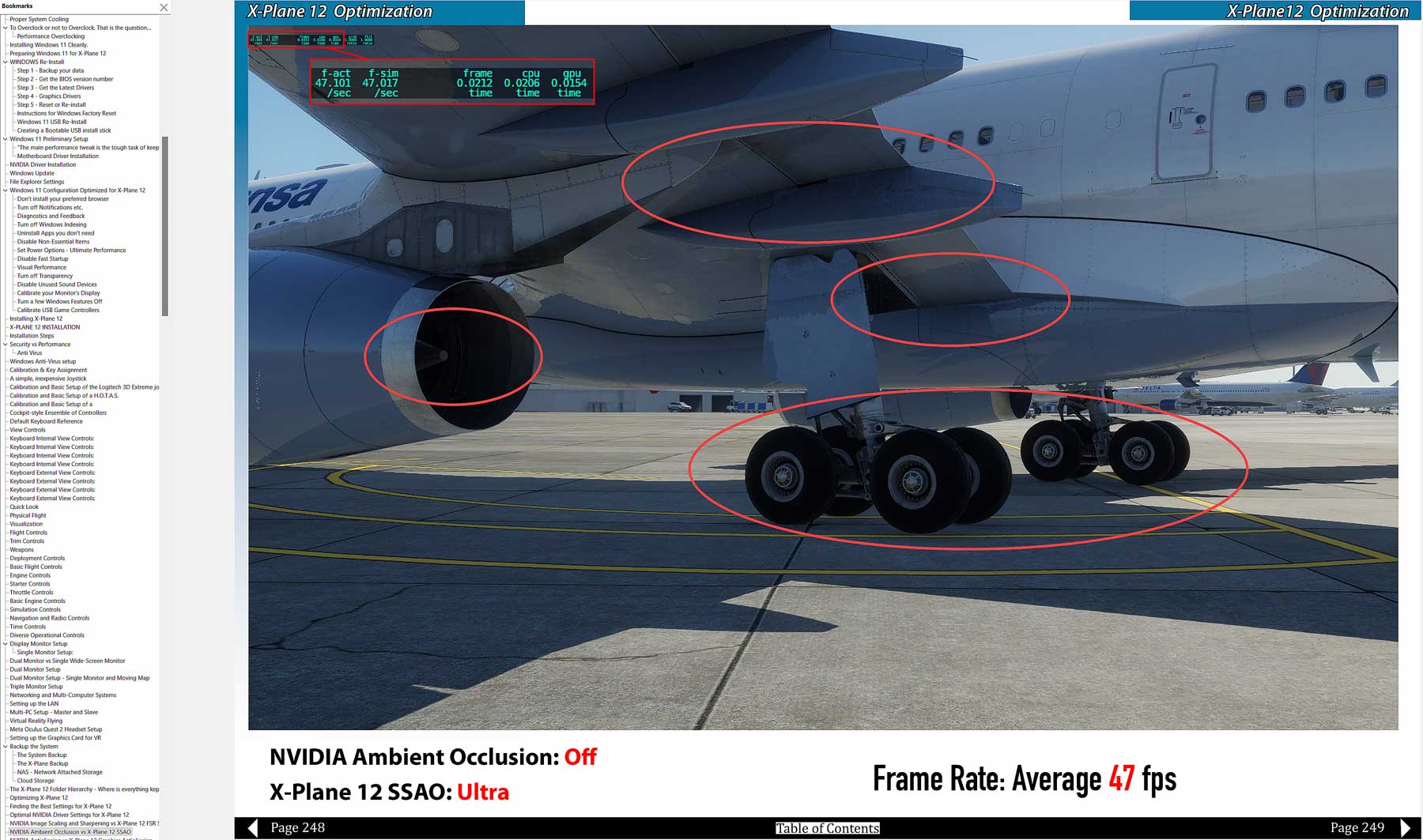
High-res screenshots of the effect of SSAO, AntiAliasing, Anisotropic Filtering and FSR Supersampling
How to set up your peripherals
How to set up and configure the Meta (Oculus) Quest 2 Virtual Reality Headset
How to Make it Fly Better
How to Make it Look Better
How to Set up multiple monitors
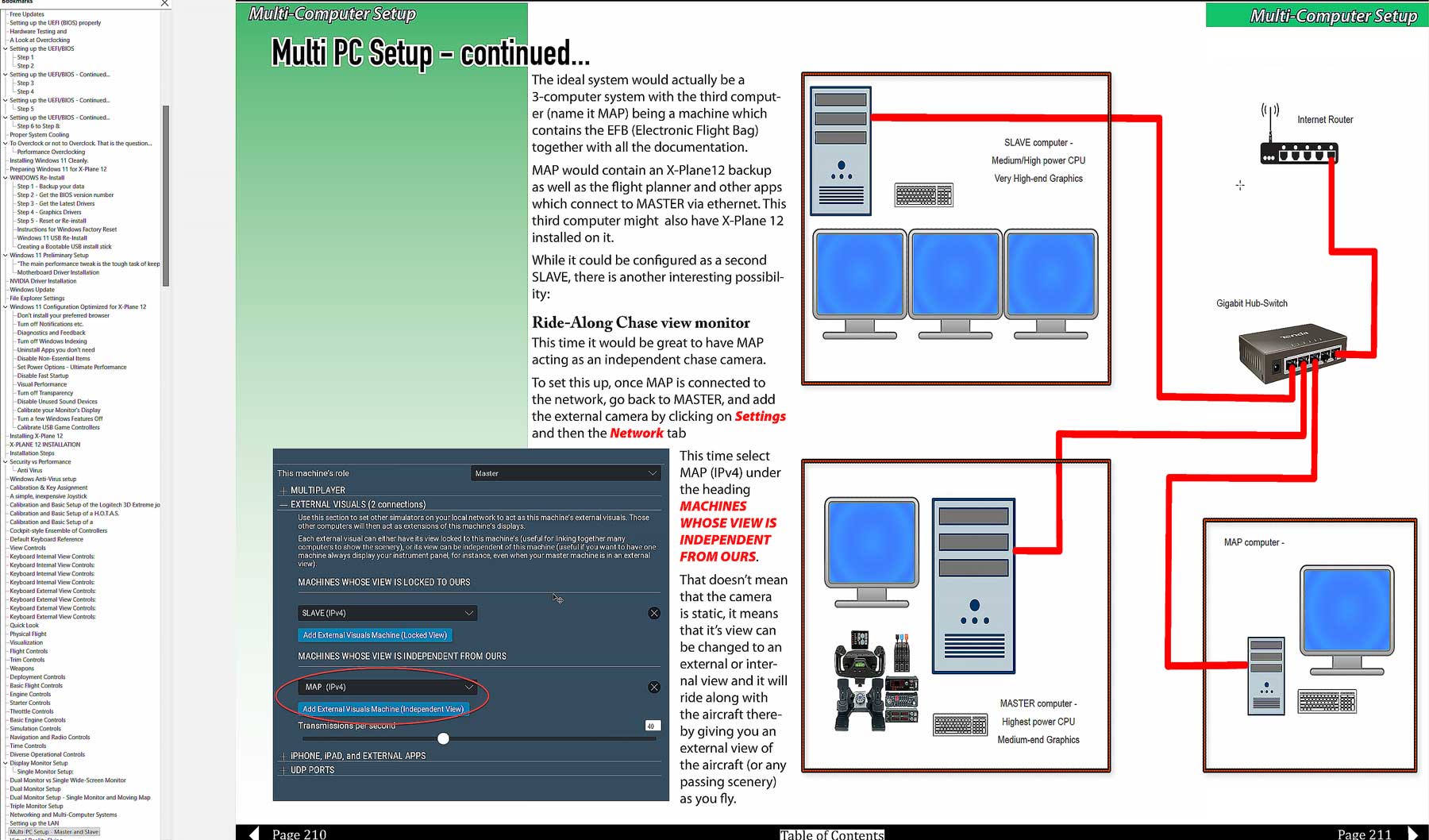
How to Make X-Plane Work with Multiple Computers
How to Set up a small, efficient stable network
A unique illustrated flight description for use as a real-world Benchmark.
Understand the terminology
Large HOW-TO section
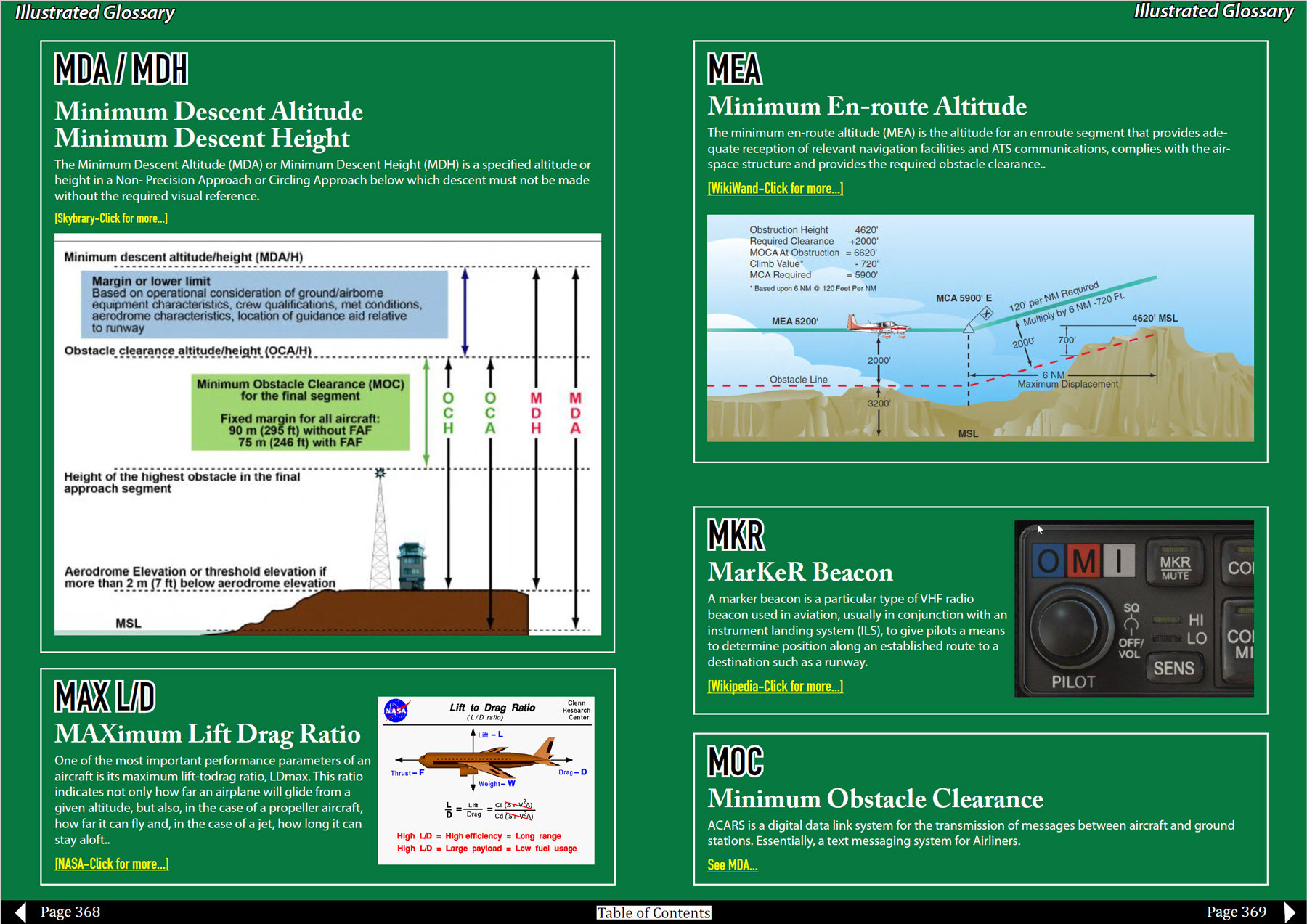
Illustrated glossary of terms and acronyms
Flying Low – the X-Plane 12 Handbook the first e-book of the X-Plane 12 Handbook series. The book covers the installation and usage of the “out-of-the-box” software package X-plane 12. The second book will covers add-on scenery.
The X-Plane 12 Handbook – Setup starts by discussing your intentions and your needs for your simulator. Then we go on to hardware considerations – computer and peripherals.
I assume you will set up X-Plane 12 from scratch, either with new hardware (buyer’s guide included) or with your existing hardware.
Then we begin step-by-step instructions on setting up the Windows 11 operating system to run X-Plane 12 optimally.
Once the computer(s) are set up, we look at peripheral calibration and the setting up of the X-Plane 12 simulator itself.
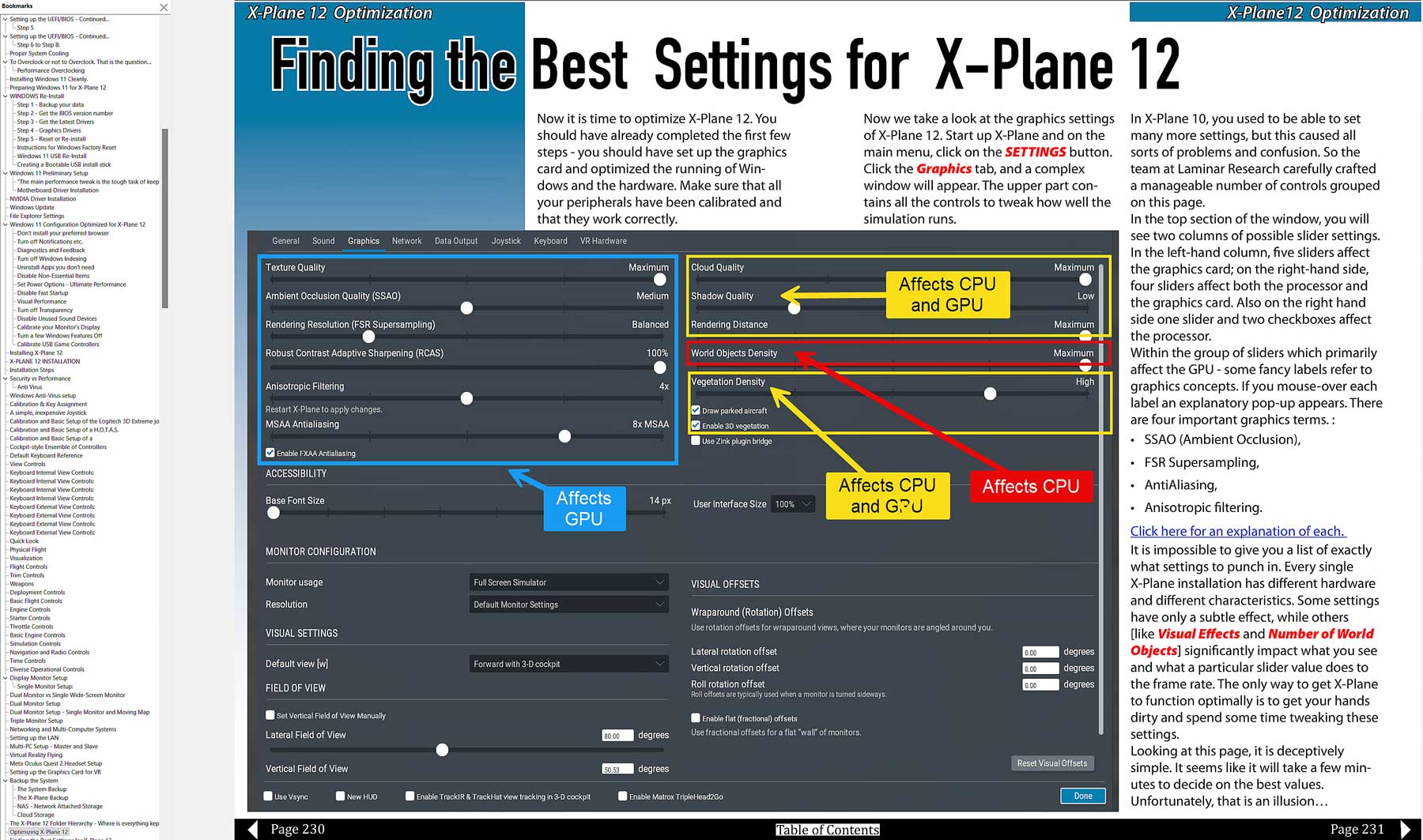
Next, we look at optimizing X-Plane 12 in detail—a large section of short “How To” articles follow. The X-Plane 12 manual deals with most of these, but I have taken a different approach to explain things.
The book’s final part consists of an extensive illustrated glossary of aviation terms that you will likely come across when flying X-Plane 12.
This is Version 1.2 of the handbook – All updates are free – you will be notified when I release an update.