
First, start a new flight, and select your aircraft.
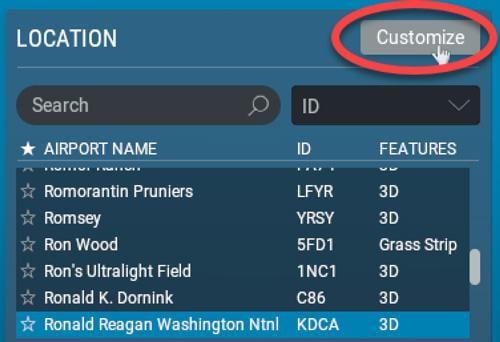
Then select your airport where you want to practice landing and click the Customize button:
Click the RUNWAY toggle, choose your runway and select how far out you want to be positioned. Let’s say 3nm.
A blue arrow will appear on the chosen runway, showing your incoming direction.

Click Confirm, and then Start Flight.
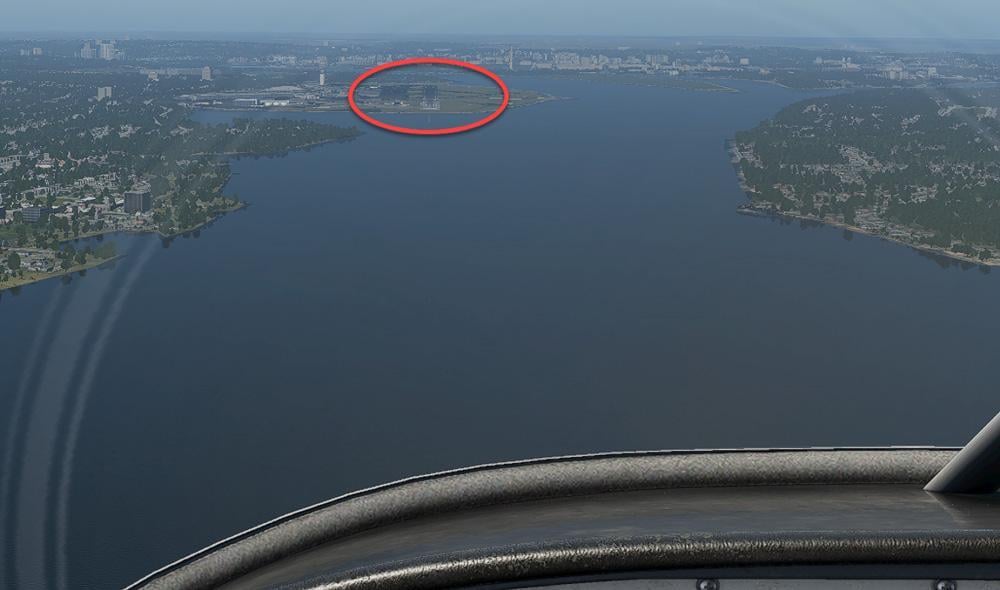
As soon as X-Plane loads, immediately press pause  and you will be positioned 3nm from the runway on the glideslope:
Grab the Yoke/Stick,
adjust any necessary settings (like flaps, throttle, mixture etc)
and unpause
Fly your approach.