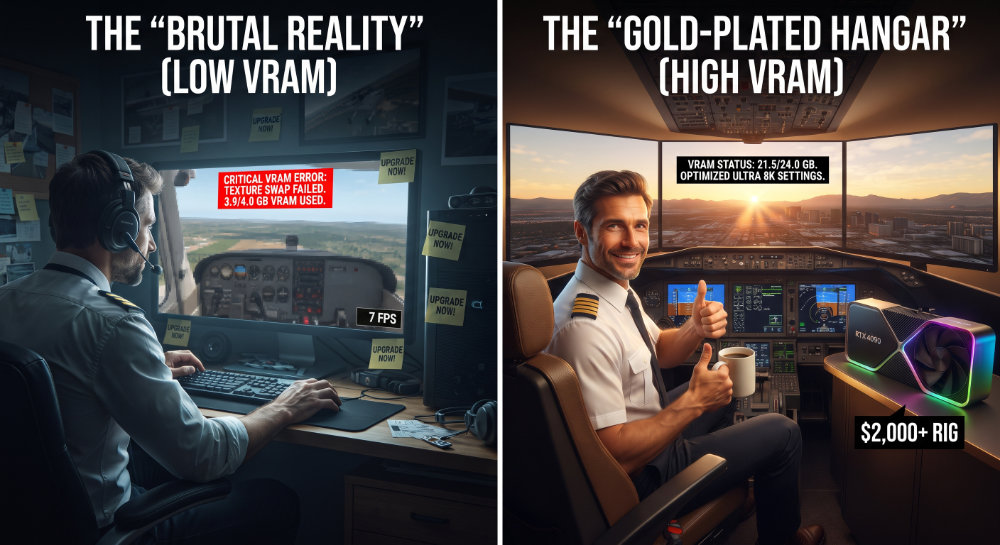
This is a “Tip” only in the most brutal sense. It’s more of an explanation of a bad X-Plane experience!
If you are getting blurry textures – particularly noticeable with high-resolution payware addons – It is most likely that you do not have enough VRAM built into your graphics card.
If you start running out of VRAM, X-Plane won’t crash; instead it will simply make your textures “blurry” to effectively reduce VRAM usage and fit everything into the available video memory.
Many payware addons have a “recommended VRAM requirement” which is nowhere near the “minimum X-Plane 12 requirement”.
With recent improvements to X-Plane 12 more and more stuff is being handled by the Graphics card and unfortunately older Graphics cards with less VRAM are beginning to no longer be fit for purpose.
If your graphics card is fitted with 6GB or less you are bound to have a less than clear display even on a lower-resolution monitor. You may also start getting “device loss errors”.
For a decent visual X-Plane experience you will need a minimum of 8GB VRAM, and more realistically 12GB VRAM. If you are making a purchase for long-term sustainability, “bite the bullet” and look at a GeForce RTX 3090 or a 4090 which has 24GB.
If money is no object, the new GeForce RTX 5090 boasts 32GB.