This is a tip for new X-Plane users. While you have no control over the visibility of “object-based” static aircraft – these are permanently baked into the airport scenery by the airport designer – you do have some control over AI aircraft and also the aircraft that X-Plane populates at various gates.
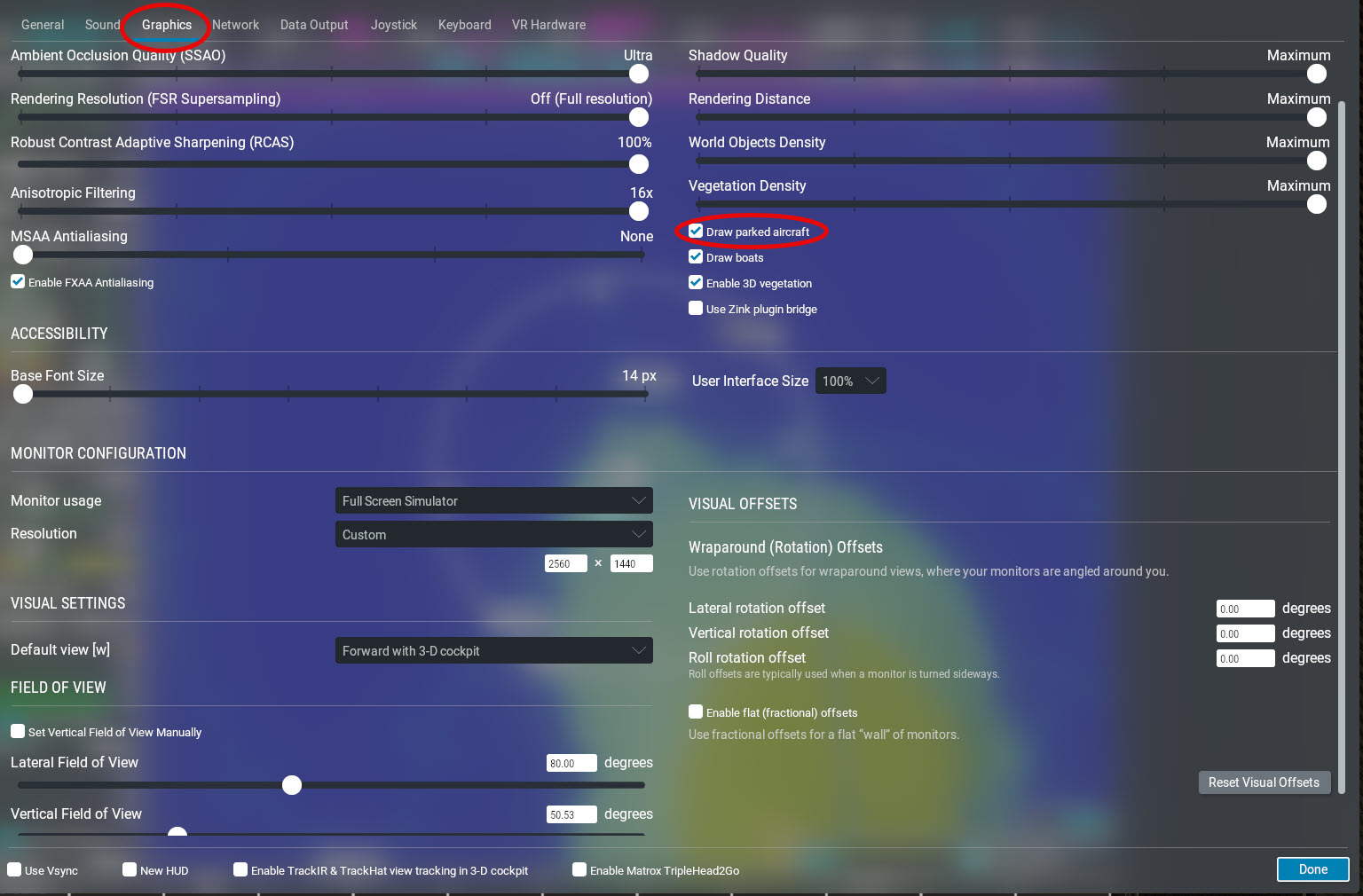
You can tell X-Plane to populate the airport by going to Settings –> Graphics and checking or unchecking “Draw parked aircraft“:
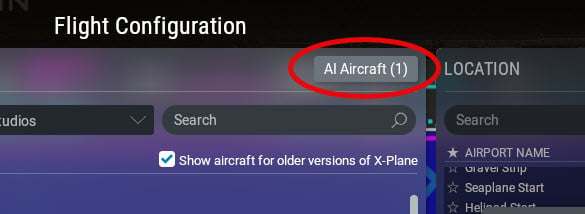
In addition, you can control the number of dynamic AI aircraft in operation at the nearest airport by clicking the AI Aircraft button on the flight configuration screen:
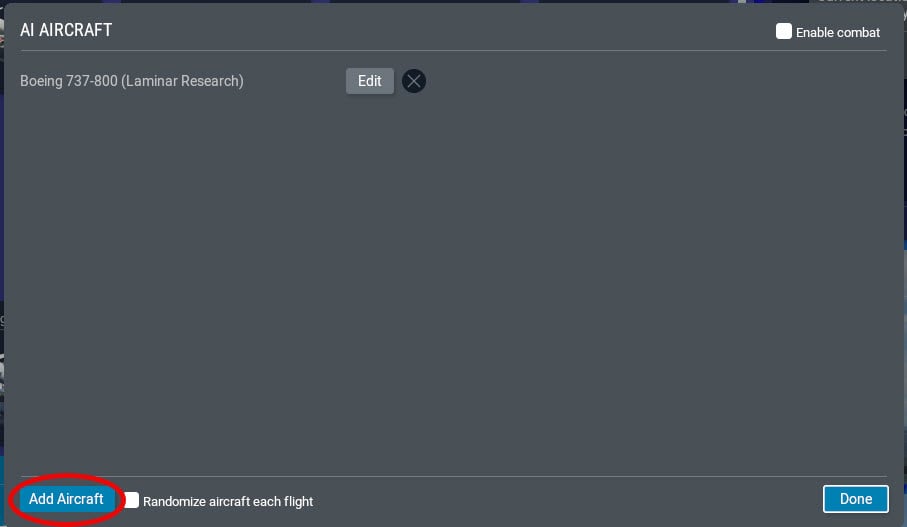
And then click the Add Aircraft button to add another AI Aircraft. Click the EDIT button to change the number, type, and livery of the AI aircraft: