
While X-Plane defaults to allowing the mouse wheel (if you have one) to control the zoom factor both in the Cockpit view and also the External view, a new feature was recently added allowing you to specify whether rolling the mouse wheel will operate in the cockpit but not outside, or vice-versa. To set this up, go to the main SETTINGS screen and you’ll find the option under the Accessibility tab:
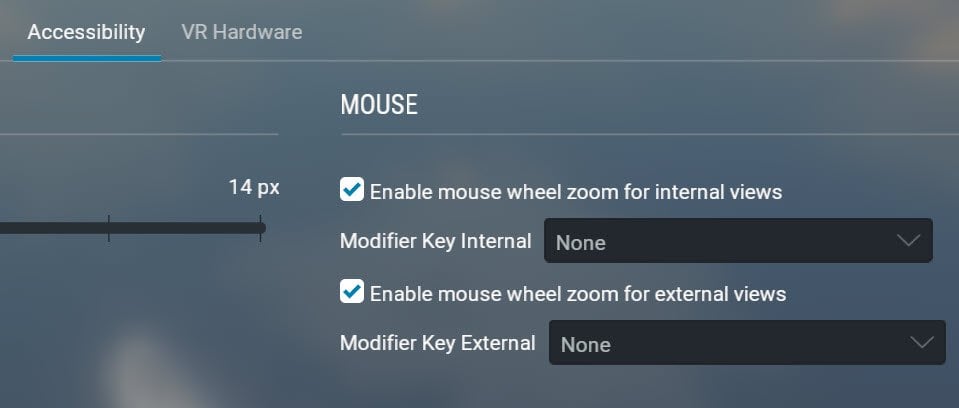
You can completely disable mouse wheel zooming by un-ticking both checkboxes.