
Sometimes we get strange course corrections from ATC which don’t seem to be logical.

In order to get a visual indication of where ATC wants us to fly to, toggle on the option to show Air Traffic Paths. This is found in the Developer menu:
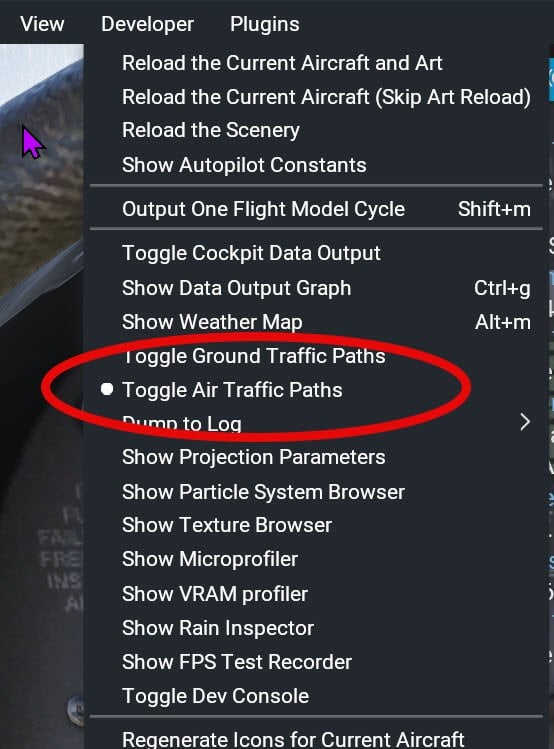
Open Map view [M] and you will see a green line indicating the direction that ATC wants you to fly. The line begins at the current location of your aircraft. Every time ATC gives you a course correction, this line changes.

Toggling this option off removes the green line from the map screen.