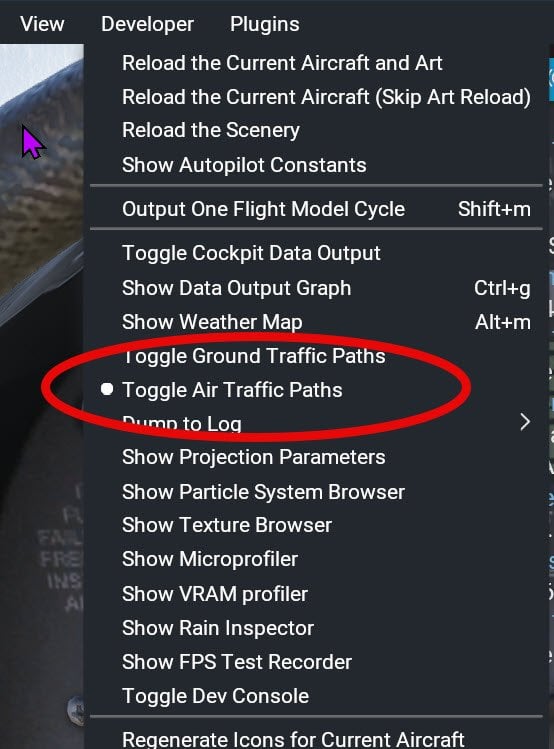
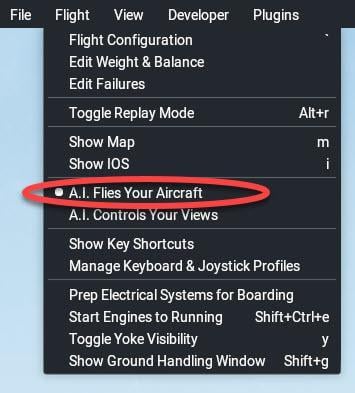
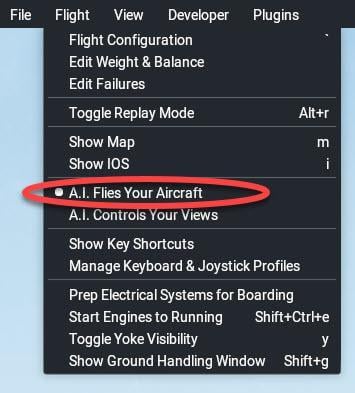
You can allow the AI system to fly your aircraft by clicking A.I. Flies Your Aircraft from the Flight drop-down menu and watch the A.I. fly the aircraft without any input from you. But there is much more to this than you might think.
If you begin your flight with “Start with engines running ” unchecked (You start from “cold and dark”) and then instruct A.I. to fly your aircraft:
After a while A.I “wakes up” – this happens almost immediately at small airstrips and can take quite a while at large airports.
You can then watch the cockpit settings change, knobs move, switches click, ATC initiates a conversation, and your flight begins.
You may be a spectator, but you can learn a lot about ATC, taxi speeds, flap settings, etc. You can pan around, zoom in on different settings, hop outside, or look closely at the ATC conversation.
The other useful thing about having AI fly your aircraft is that it can give you an idea of how well your system is performing and whether the AI pilot encounters the same problems as you.
Watch how AI handles the take-off run. Can you keep the aircraft from veering across the runway like the AI pilot can? This will give you a yardstick to aim for.
In addition, since A.I. does not use your peripherals but the X-Plane engine itself, if you just cannot control the aircraft as well as A.I. does, it can give you a hardware fault-finding clue. Maybe your rudder pedals need attention or need to be calibrated. Maybe your sensitivities need adjustment (See this post). Maybe your throttles are not traversing their full extent…

 key for free camera movement, and “walk” about using your keyboard and right-mouse button.