
Serious pilots are fanatical about maintaining a “clean” log file. But we also sometimes want to make a flight (maybe for testing purposes) that we don’t want recorded.
There is a simple way to do this:
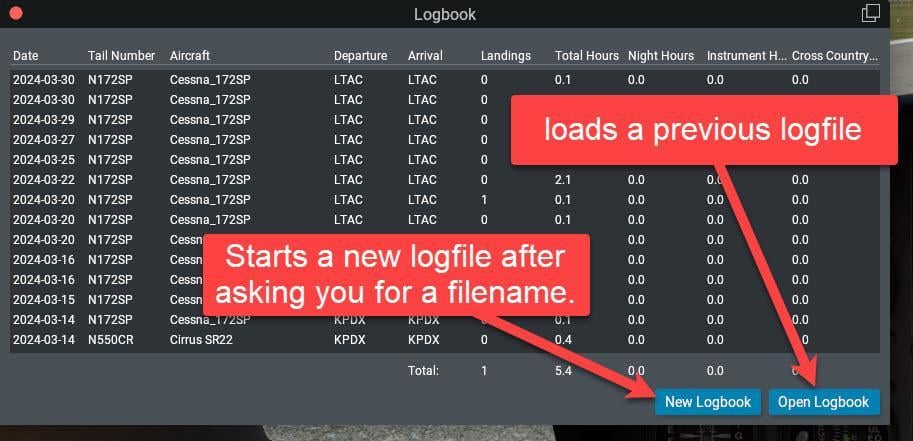
First, click the New Logbook button and give it a filename (with a .txt extension). Save it in the …\Output\logbooks folder.
Quit X-Plane.
From now on, all your flying will be recorded in the new logbook file.
When you are ready to resume logging your real flights to your real logbook, click the Open Logbook button and select the real logbook file.
Quit X-Plane.
From now on, all your flying will be appended to the “real” logbook file with no mention of all your experimental flights that you don’t want recorded.
Alternative
Take a look at the logbook feature in Little Navmap