
When you choose your departure airport, you usually type in the city name or the airport name and X-Plane shows you a list of matches, and you select one of them.
However, sometimes X-Plane does not seem to know about an airport even though it should. For example, if you wanted to depart from Ankara, you would get a screen like this:
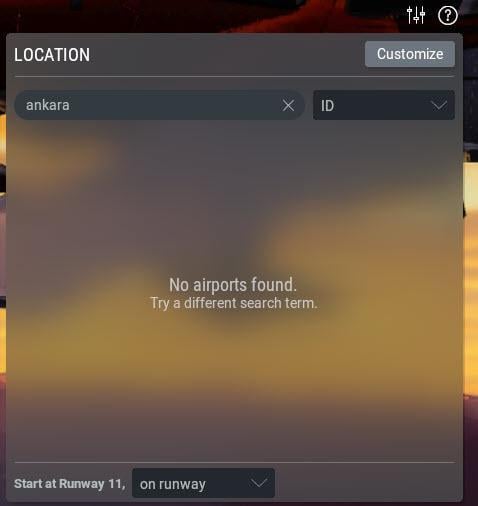
But that’s crazy!… Ankara is a major city…
Go to Google or Bing and search for the ICAO code of Ankara

Now in X-Plane’s Location panel, instead of typing in of Ankara, type LTAC
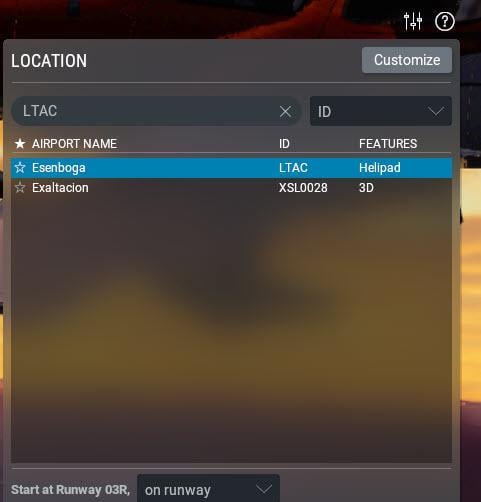
And this time, it comes up with the airport name Esenboga, which is Ankara’s main international airport.