In large commercial aircraft, a nosewheel tiller is used to more accurately align the nosewheel to the taxi lines, and to get the aircraft safely docked at jetways.
You can assign an axis on your joystick to control this tiller by opening Settings –> Joystick and look for an axis that you have not assigned to anything. Every axis that X-Plane recognizes on your peripheral(s) will be listed In the AXES column. Once you have found an available axis assign it to nosewheel tiller. This will not interfere with the pedals axis or the yaw axis.
Note that this is the same procedure used in setting up the joystick axes normally, as described in the section “Configuring Flight Controls” in the X-Plane online manual.
The nosewheel tiller is used to make larger turn corrections when taxi-ing and the rudder pedals are used to make small inputs such as on takeoff roll and final alignment to your jetway.

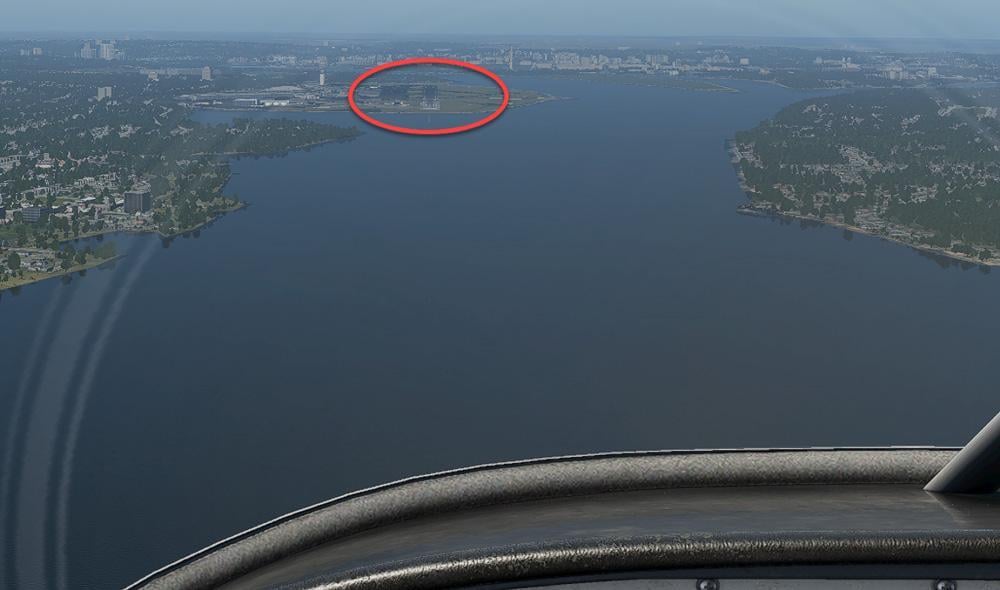
 and you will be positioned 3nm from the runway on the glideslope: